Blog #7 Phone Stand

Over the past few weeks in Emerging Tech, I have been working on creating a phone stand. Through this project, I learned from an article about Making Meaning (http://nathan.com/making-meaning/), how companies aim to provide a meaningful customer experience to their customers via their products because the marketplace is very competitive.

Ideation:

In coming up with the idea for my phone stand, I took a look at different phone stands from Pinterest . I selected my Top 10 phone stands which I then narrowed to 3 choices (Top 3 shown below) before coming up with my design.  I chose them because they are creative and look good. 

I like these three phone stands because with the Bag stand you can easily slip your phone into it, the Radio stand is unique and invokes wonder, and the simple stand because it looks like a comfortable stand where you can play your favourite games from your phone on. 

Process:

In the end, I decided to create a simple phone stand that is functional. I created my prototype in Illustrator and then sent it off to the laser printer to be printed. Once it was printed, it had to be washed off and glued.   Initially, the dimensions were off and the phone could not fit.  I had to redo several of the measurements before a phone could fit.  

Photo on 9-11-18 at 2.39 PM.jpg
Working on the prototype of my phone stand.  

A photo of my final product is shown below.   
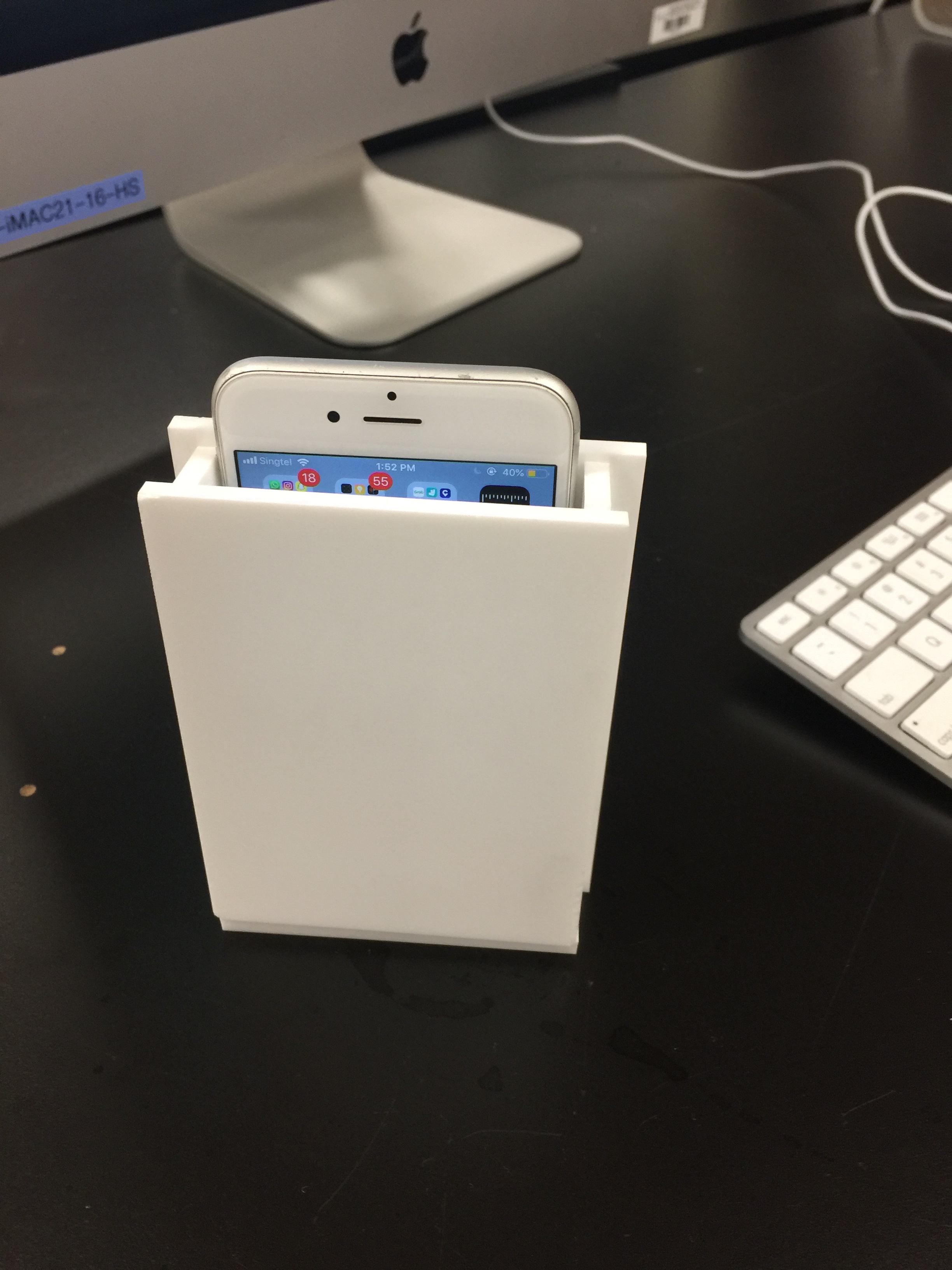
IMG_8188.JPG
My finished phone stand

Although initially, I felt that this project overall wasn’t something I can relate to since I don’t own a phone, I learned a lot about the product ideation process and what companies and we have to think about when coming up with a design. Now I am also more aware that when I buy certain things, there is a meaning behind my selection process. 

For example, when I buy my Lego sets, the meanings behind choosing them are Creation and Accomplishment when I assemble the sets, Harmony when I buy sets from the same series, and Wonder because my creations are amazing to look at!
Typography

Over the past week or so, I put together this little text animation. I created the video using a video editing software called Final cut pro an updated version of iMovie.  This project taught me how to animate text through some raw footage. I could choose whatever text to put into the video. This was my first time ever editing a video not using iMovie so the software was very different for me. In conclusion, this animation was a very quick paced project that I was able to finish. This was made as part of a course I am currently taking called emerging Tech. The video is below for you to view, like, comment, subscribe to my YouTube channel the school kid.

Storm Project

Storm Project.jpg

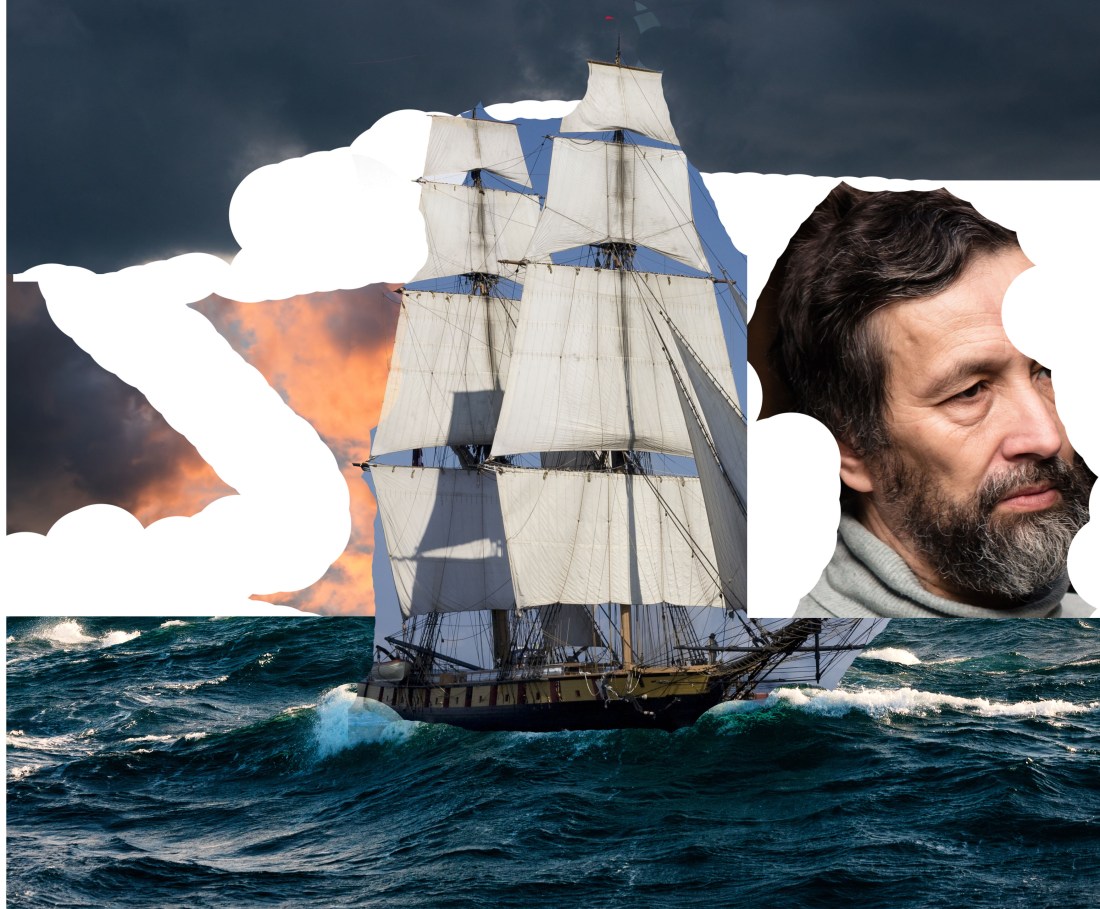
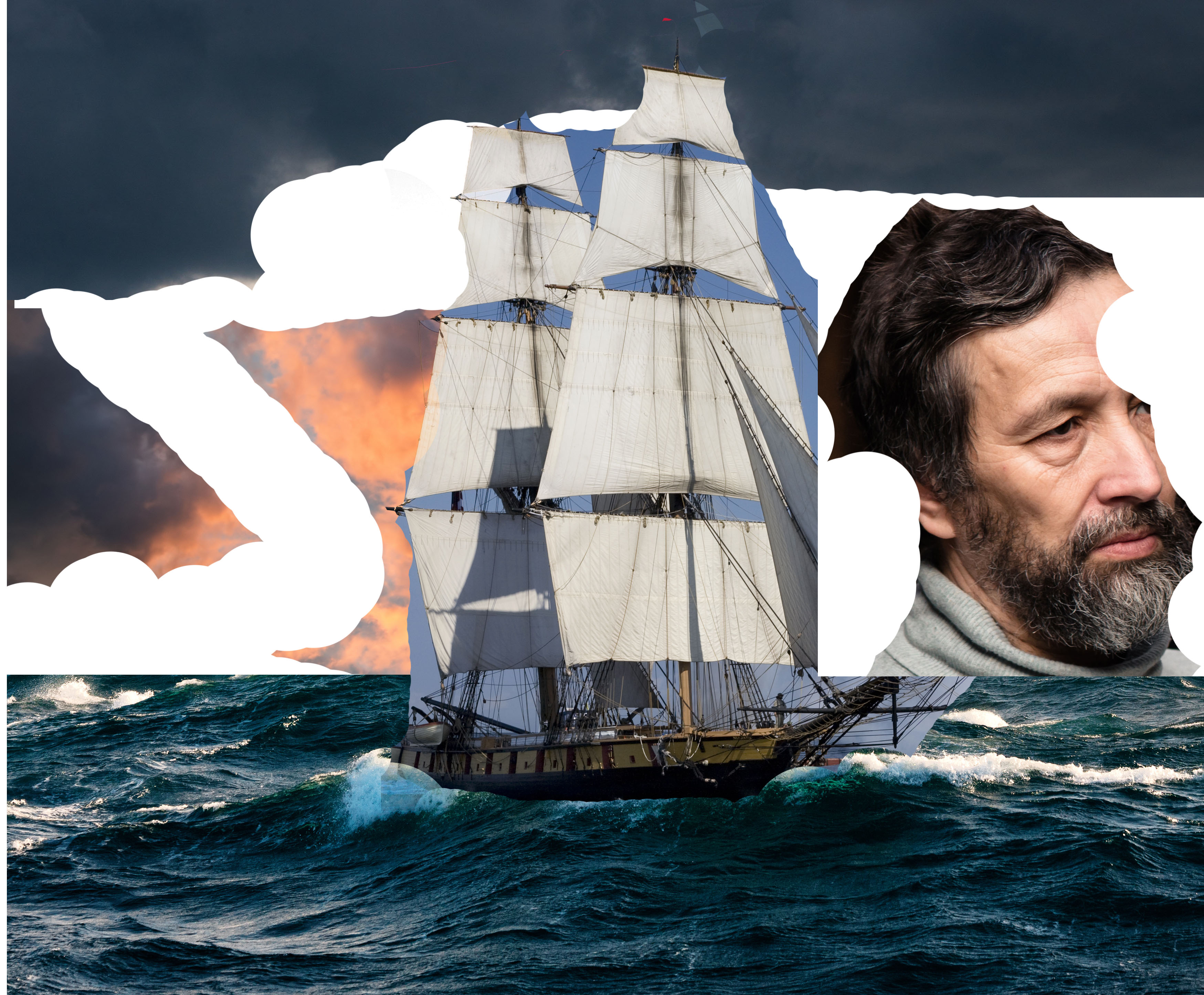
I have been working on a photoshop/illustrator project over the past few days, the storm project. The objective was to combine at least 5 pics together into an image to represent a storm. These photos were sent to us through schoology. There was also a significant amount of exemplars in the same folder as the examples. The entire project was done on computers and uploaded to the google drive. Overall, I managed to combine 5 pics to create a cohesive image representing a storm. This was part of a course I took called Emerging Tech.  Below is the storm project as my selected image for this blog post.

Blog #5 Visualizing Data Using Processing

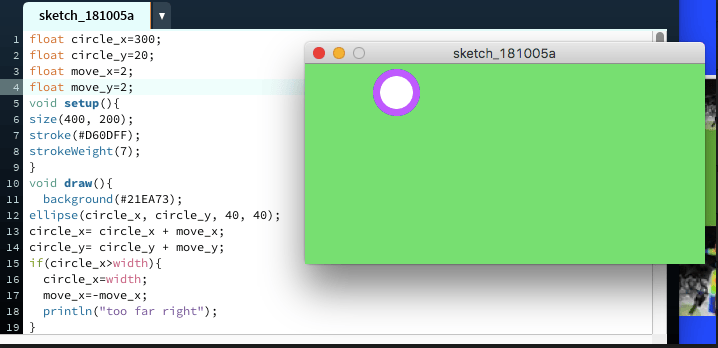
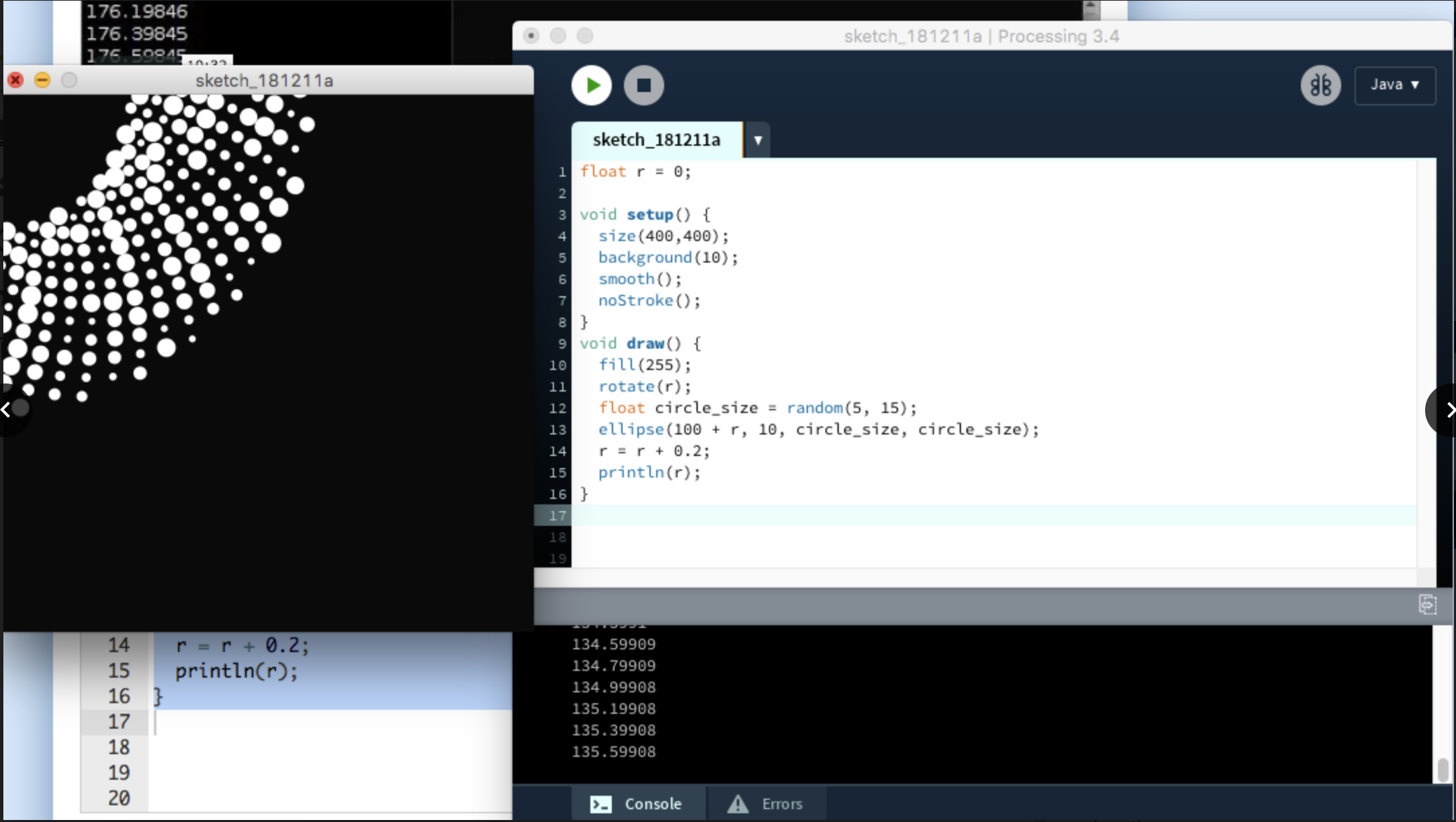
Screen Shot 2018-12-16 at 7.27.22 PM.png

In my Emerging Tech class, I learned a new language of coding called Processing. You can make a screen draw shapes and do all sorts of things using lines of code. It can be used to create cool graphics!  You can also create maps of several things like the places you’ve travelled or where meteorites fell.  You can draw numbers and make signs with Processing.  However, if you aren’t that experienced with coding, then creating these things may be more difficult for you. Or if you can only code using Scratch, then this will be very different from using blocks of code.

Over the summer, I took a coding class on building websites. There I learned 3 languages of code : HTML, JS, and CSS.  I enjoyed learning these 3 languages of code because now I can build my own websites.

Capture

Blog #6 Bendito Machine Reflection

Bendito Machine is a series of stories created by Jossie Malis about creatures and their machines. There are 6 short films in total. I watched 2 of those films.

Bendito Machine I

Screen Shot 2018-12-15 at 12.37.37 PM.png

Bendito Machine I is about a machine that produced eyes that people used as products that went through pipes and was sold to people in carriages and trucks. A drone came and destroyed the people and the machine produced a mountain of eyes.

Bendito Machine II

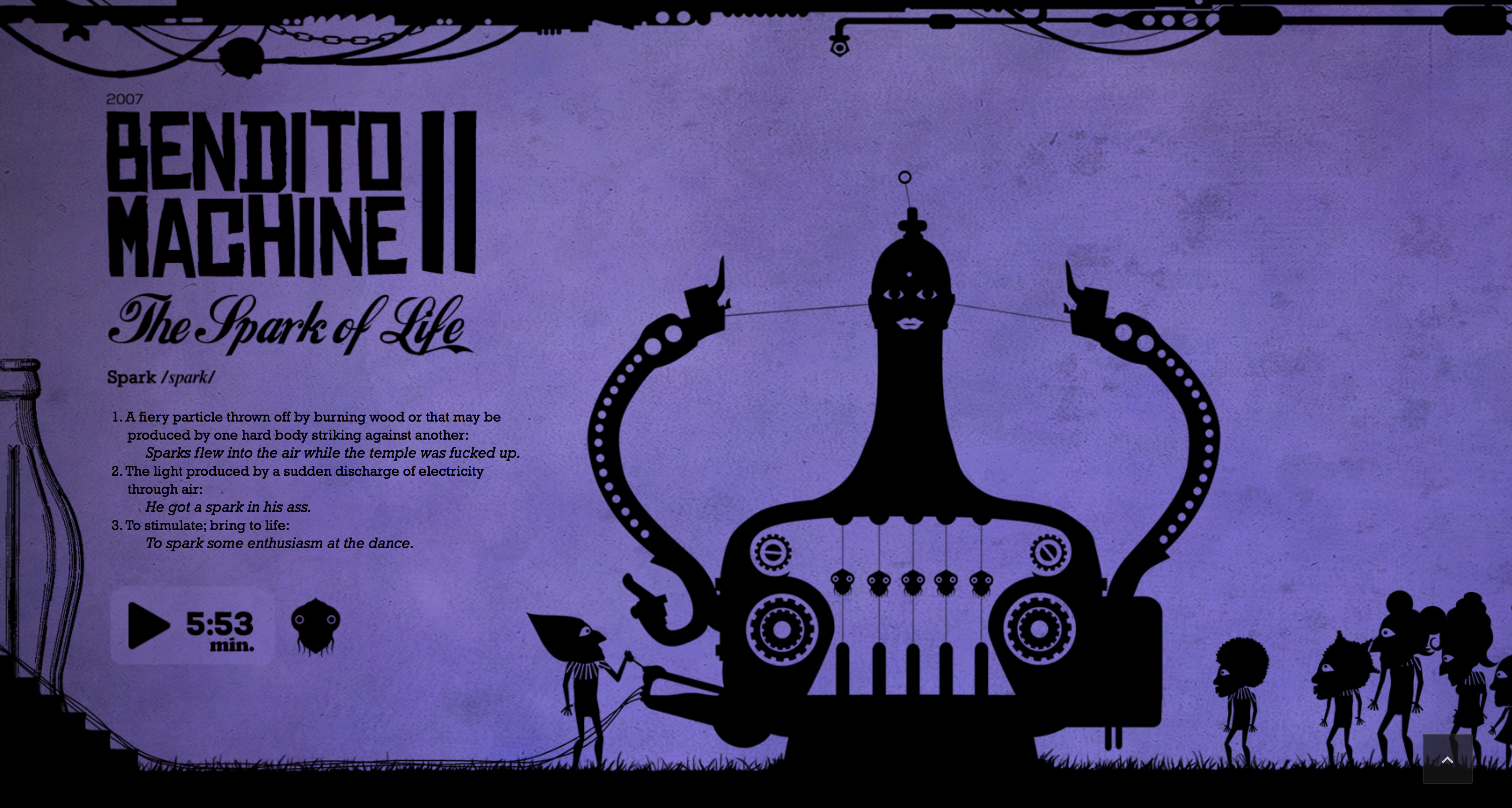
Screen Shot 2018-12-15 at 12.37.56 PM.png

Bendito Machine II started with 2 guys hitting a pinata. Liquids flow out of the pinata the human makes some pipes and it goes into a truck. A person drinks the liquid and he is electrocuted. A crowd of people follow the truck. He holds a stall selling the liquids for people to drink. They make a mascot out of the drink. But the pinata runs out of the liquid. The machine flys away. People bow to the machine. The machine electrifies the mascot. The mascot shoots out the liquid that hits a person. The person becomes a deer. People chase the deer which finds the liquid and is killed and made a pinata by some kids. Eyes come out of the machine.

Reflection:

I think the filmmaker is trying to tell us that technology can improve our lives if used correctly. If used incorrectly, it will destroy us. Machines also have to be properly taken care of and maintained. Otherwise, they will break down.

For example, I use my laptop for everything for schoolwork, watching Youtube, and chatting with friends. One day, the screen was broken because I did not take care of it properly and I could not do anything. From now on, I will make an effort to take care of my laptop to make sure it doesn’t happen again.

Overall, I enjoyed both films and I would gladly do this activity again.

Blog Cell Phone

  1. Do you own a cell phone?
  2. no
  3. What are the most popular activities you perform on your cell phones?
  4. Playing apps and watching youtube.
  5. How and where do you charge your cell phone?
  6. In my room.
  7. What rules do you or your family have regarding the use of cell phones at home?
  8. They don’t let me use a phone because they are worried about my eyes.
  9. Do you have any personal goals regarding your use of your cell phone?
  10. no
  11. Where is your phone while you sleep?
  12. In my room.
  13. Where is your phone right now?
  14. It is in my room charging.
  15. Why do you have a cell phone?
  16. So that I can find my way home using the GPS.
  17. Do you use your phone to check the time?
  18. no
  19. Do you take your phone into the bathroom with you?
  20. no
  21. Do you feel anxiety over losing your phone?
  22. no
  23. Do you call or text someone in the same house as you?
  24. no
  25. Do you lose track of time using your phone?
  26. no
  27. Do you use your phone when there are other productive things to do?
  28. no
  29. Do you use your phone in the middle of the night?
  30. no
  31. Do you have your phone when you are eating?
  32. no
  33. Do you have to check your phone as soon as it makes a noise?
  34. no
  35. What would you do if you had to go somewhere and could not bring your phone?
  36. I would bring my laptop instead.

Blog #4 Acrylic Box


Screen Shot 2018-12-15 at 4.46.08 PM.png

Screen Shot 2018-12-15 at 4.46.44 PM.png

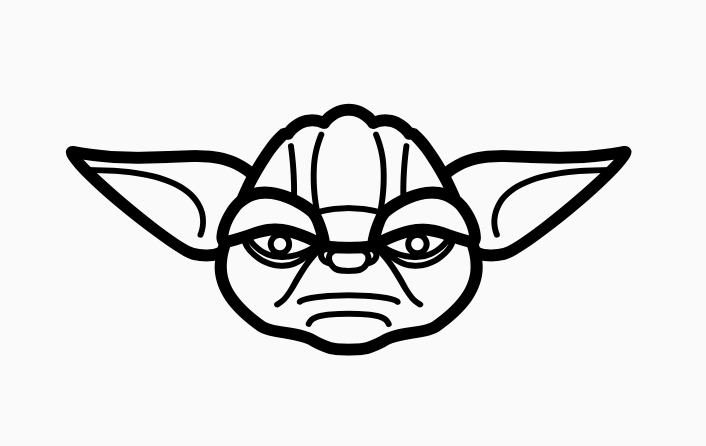
In my Emerging Tech course, I have been working on a really cool acrylic box project. Each side of the box can only be a maximum of 15 cm by 15 cm. I made the box using the app Illustrator. I put different vector images including the Yoda and Ironman above as well as text around the side of my box to personalize it. There are all kinds of vector images that you can find on the Noun Project.  From there, the box was printed out by laser printer. One thing that I could of added if I had more time is to make a lid on top that you can open.

Unfortunately, I do not have a photo of the final product to upload. Sorry!

This project was good experience because now I know the process if I wanted to make other cool acrylic boxes for gifts.

Blog #3 Where Do New Ideas Come From?

Screen Shot 2018-12-15 at 3.25.46 PM.png  Screen Shot 2018-12-15 at 3.25.55 PM.png

In my Emerging Tech class, we have been thinking about where good ideas come from.  According to Steven Johnson in his video Where Good Ideas Come From, the great driver of technological innovation and scientific innovation is due to increased connectivity. Because of technology, we can now connect with others online more easily and exchange ideas and collaborate on our ideas together.  Steven Johnson also claims that ideas develop over time and begin with a hunch, a smaller idea. Those smaller ideas can combine with other small hunches and become a really good or useful idea.

I would agree with this. Sometimes I have trouble coming up with ideas. But for example, when I worked on a middle school Tri-Time group project, my friends and I chatted online about our ideas and we were able to build on each others ideas and come up with great ideas together.

Screen Shot 2018-12-15 at 3.26.11 PM.png